TYRONEX
Home
Products
Shiftlights
SL series
→
Keypads
KP series
→
PDM
Power distribution module
→
Other
Telemetry, parts
→
Studio
TRNX STUDIO
Set up in minutes.
Not in manuals.
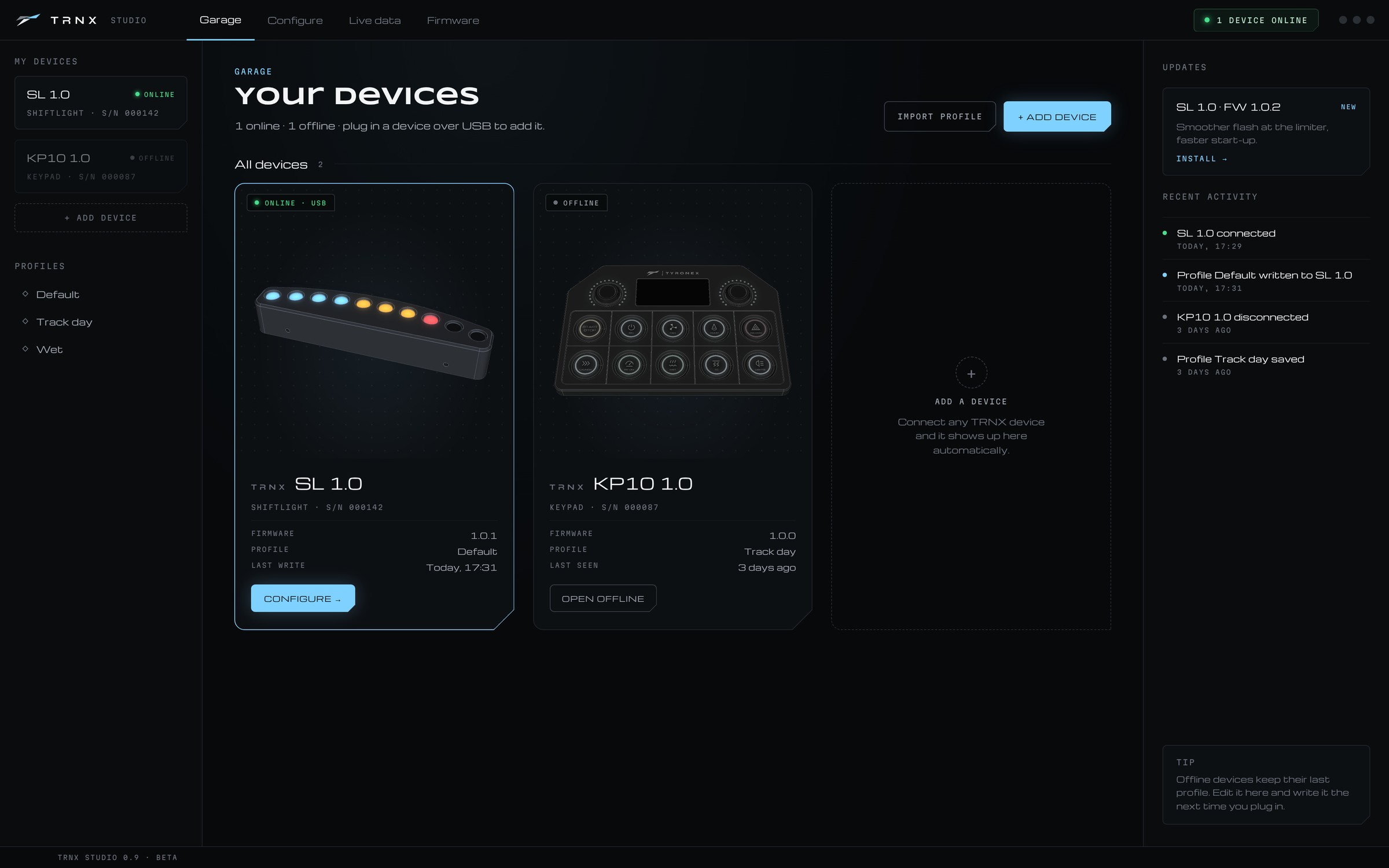
One desktop app for every TRNX device. Plug in, pick a colour, drag a threshold — done. Changes show on the device as you make them.
HOW IT WORKS
Three steps.
01
Plug in
Connect the car. Every TRNX device on the bus is found automatically.
02
Set it up visually
Tap a button on screen, pick its function, icon and colour. Drag shift points per gear.
03
Race
Save to the device. Save the setup as a profile for this car or this driver.
FEATURES
AUTO-DETECT
Finds every device
KP10, SL — they show up the moment you plug in.
VISUAL
No tables of numbers
Click on the keypad drawing, not on a spreadsheet.
LIVE
Changes apply live
See the light ring change as you pick the colour.
PROFILES
Per car, per driver
Swap setups between drivers in seconds.
UPDATES
Firmware in one click
New features without unplugging anything.
ONE APP
The whole line-up
Keypads today, shiftlights and power next.
WHY IT MATTERS
Race software
shouldn’t feel like a tax form.
THE USUAL WAY
Hunt for the right PDF manual
Type values into tables
Guess what the device will do
One app per brand, per device
THE TRNX WAY
Plug in — it’s already there
Click and drag on a picture of your device
See the result on the device, live
One app for every TRNX part
AVAILABILITY
Comes with KP10 in 2027.
Desktop app, free with every TRNX device.
Notify me
TYRONEX
Products
Studio
MADE IN THE UAE
COOLED BY
TRNX
© 2026 TYRONEX